Zero setup
Uplift Cloud
One account, nothing to install. Run the VLM on frontier models and train policies from your datasets on our GPUs.
- VLM inference for every skill
- Policy training from your episodes
- Models delivered straight back to the robot
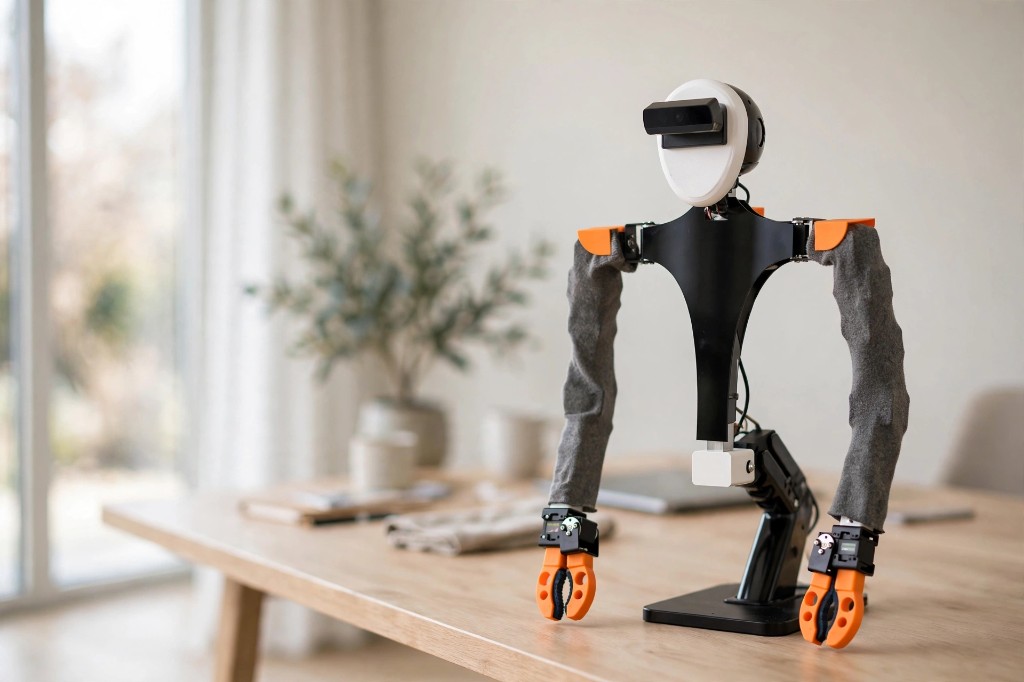
Fully trainable desktop robot you can build at home.
Hardware
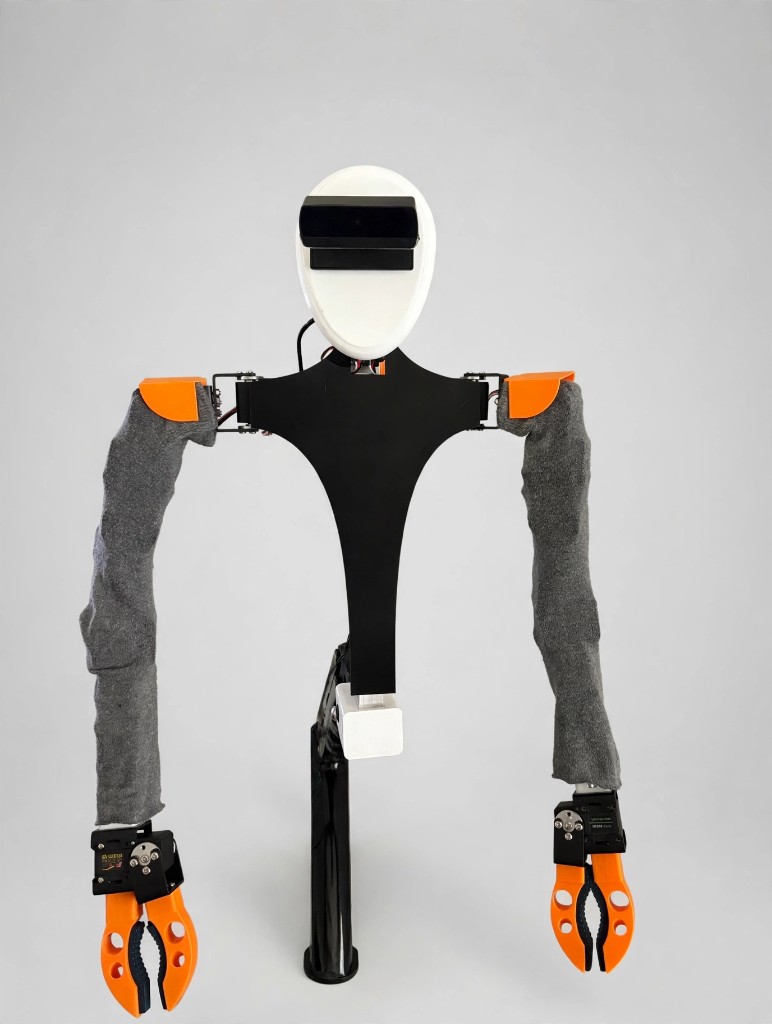
Raven is built like the upper body of a person, so teaching it feels natural. Start from prebuilt motion templates, chain them into action sequences for complex tasks, or use them to create training datasets.
Vision AI
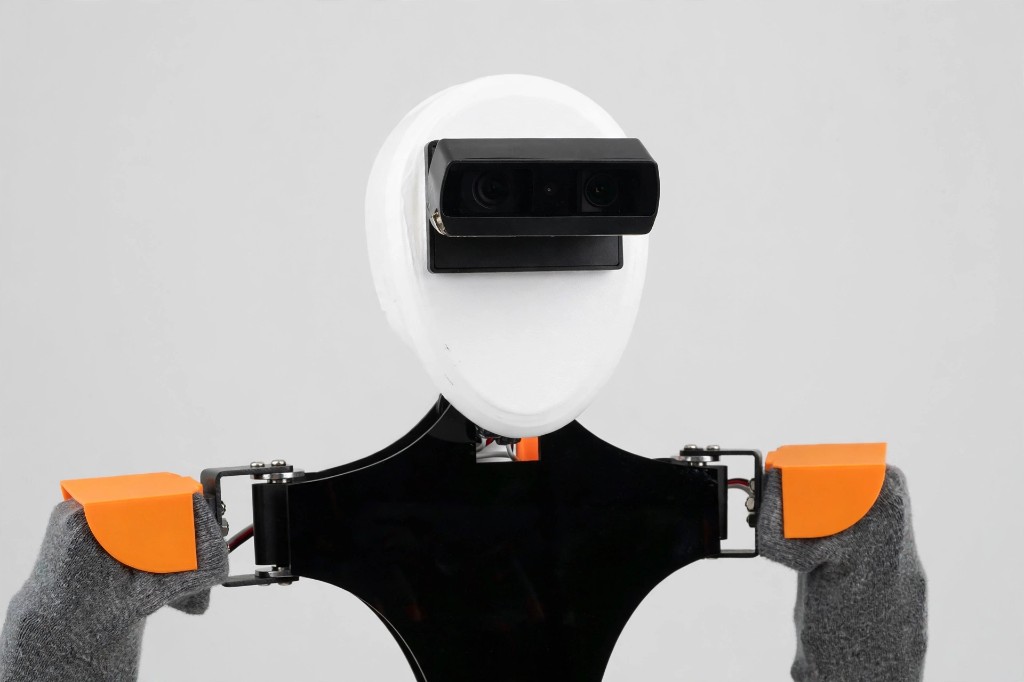
The camera in Raven's head reads the scene. A vision-language model reasons about what it sees, in response to a prompt you wrote in plain English. Then the robot moves.
The Raven app
Record your first motion in minutes. Turn every replay into a LeRobot-compatible training episode. Train a model on Hugging Face or Uplift Cloud and run it on the robot. All in one place, on the devices you already own.
** iPad requires an additional ESP32 module.
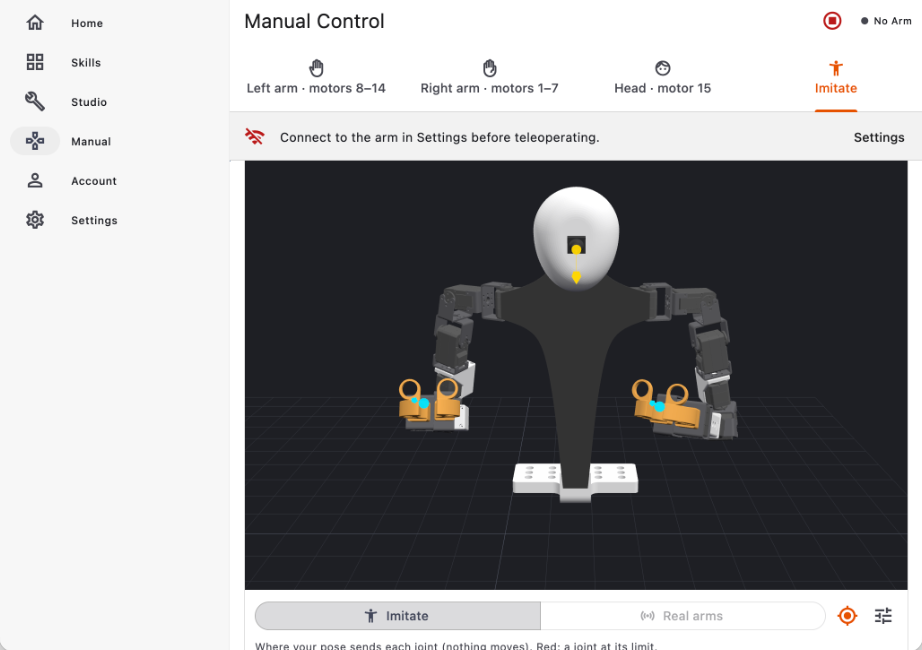
Imitate mode mirrors your pose onto a digital twin of Raven, joint by joint, so you see exactly what the robot will do before it moves. Switch to the real robot when you are ready.
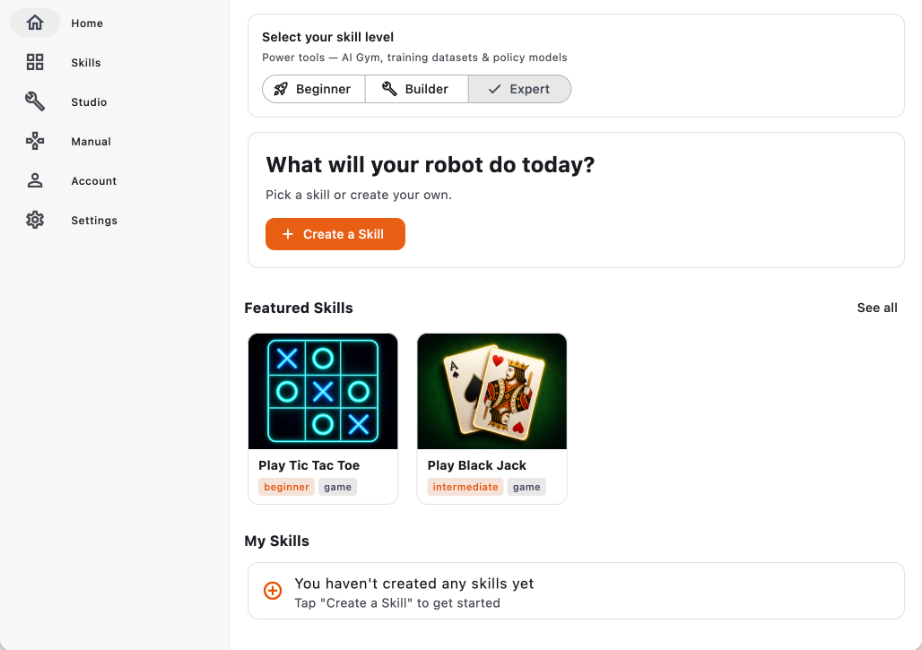
Beginner, Builder, or Expert. The app grows with you, from one-tap skills to AI Gym, training datasets, and policy models.
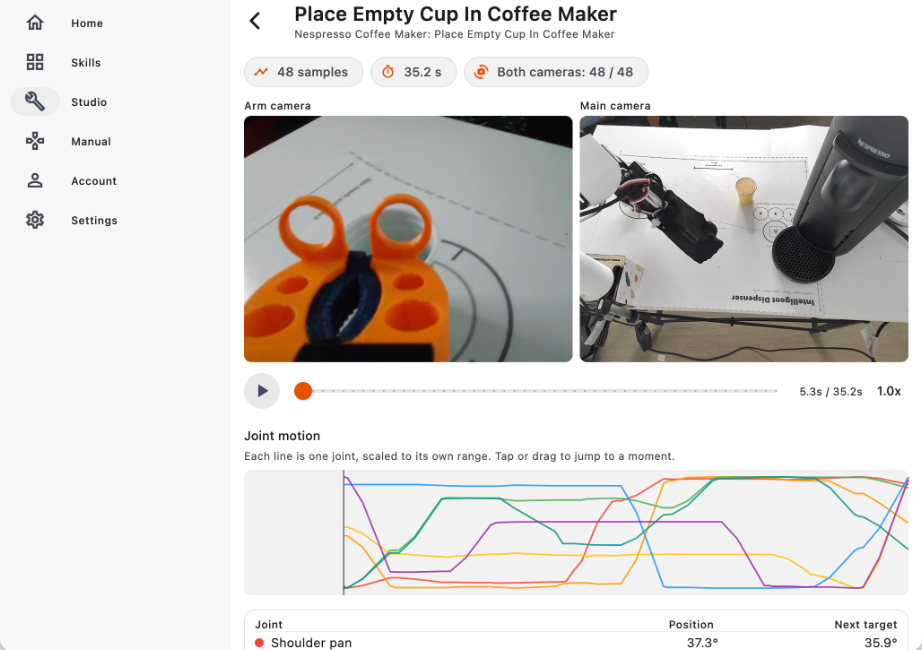
Every run becomes an episode in a LeRobot-compatible dataset: both camera views and every joint, synchronized, ready to scrub through and ready to train on.
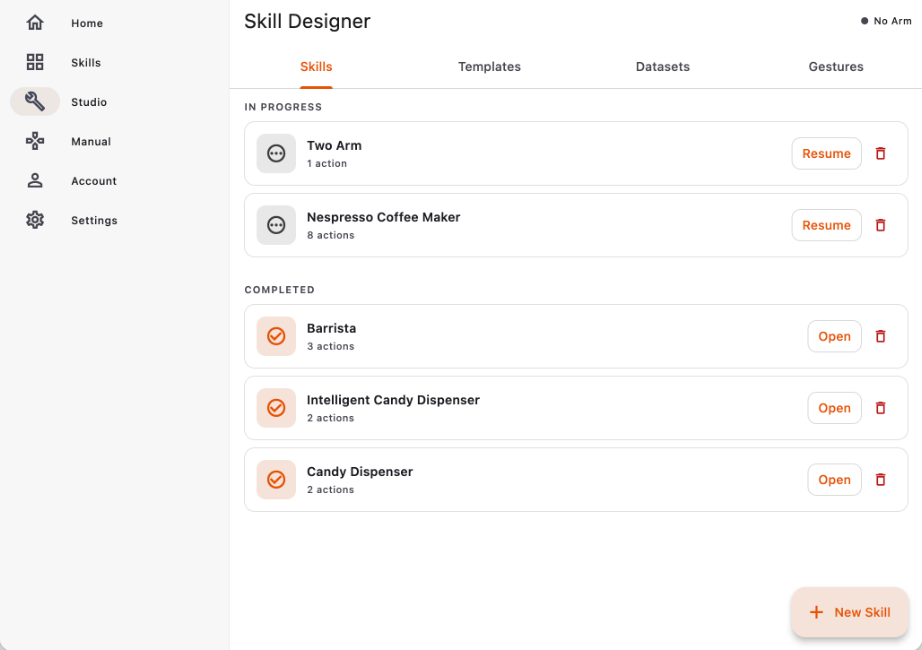
Chain motions, prompts, and controls into a skill in Skill Designer. Train a policy from your episodes on Hugging Face with your own account, or on Uplift Cloud, and run it on the robot.
Training and Inference
Raven records LeRobot-compatible datasets and runs vision-language models for every skill. Where that compute happens is up to you.
Zero setup
One account, nothing to install. Run the VLM on frontier models and train policies from your datasets on our GPUs.
Inference
Run the VLM on your own capable machine. Fully offline, your data stays on your network.
Training
Push your LeRobot-compatible datasets to Hugging Face and train with your own account and your own budget.
Skills Store
Browse skills made by the community, from games to useful automations. Publish yours and it runs on every Raven.
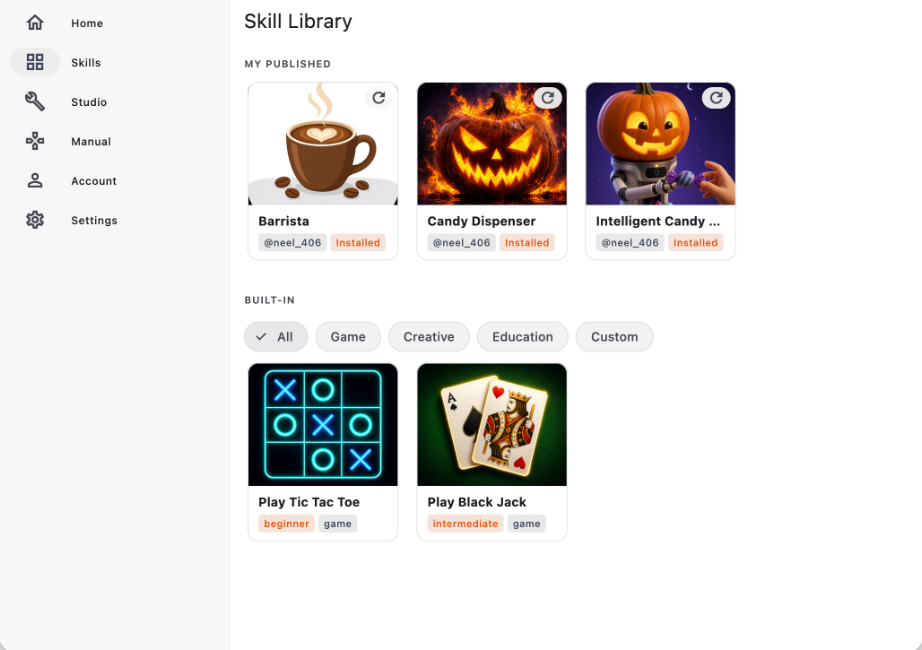
Coming soon
Join the waitlist for early-access pricing, a demo video, and the app preview before launch.